Work standards, written where the work happens.
An operator talks through the job on a phone. floorsite turns the words and photos into a training standard. The desk finishes it, a second person approves it, and everyone finds it at the machine.
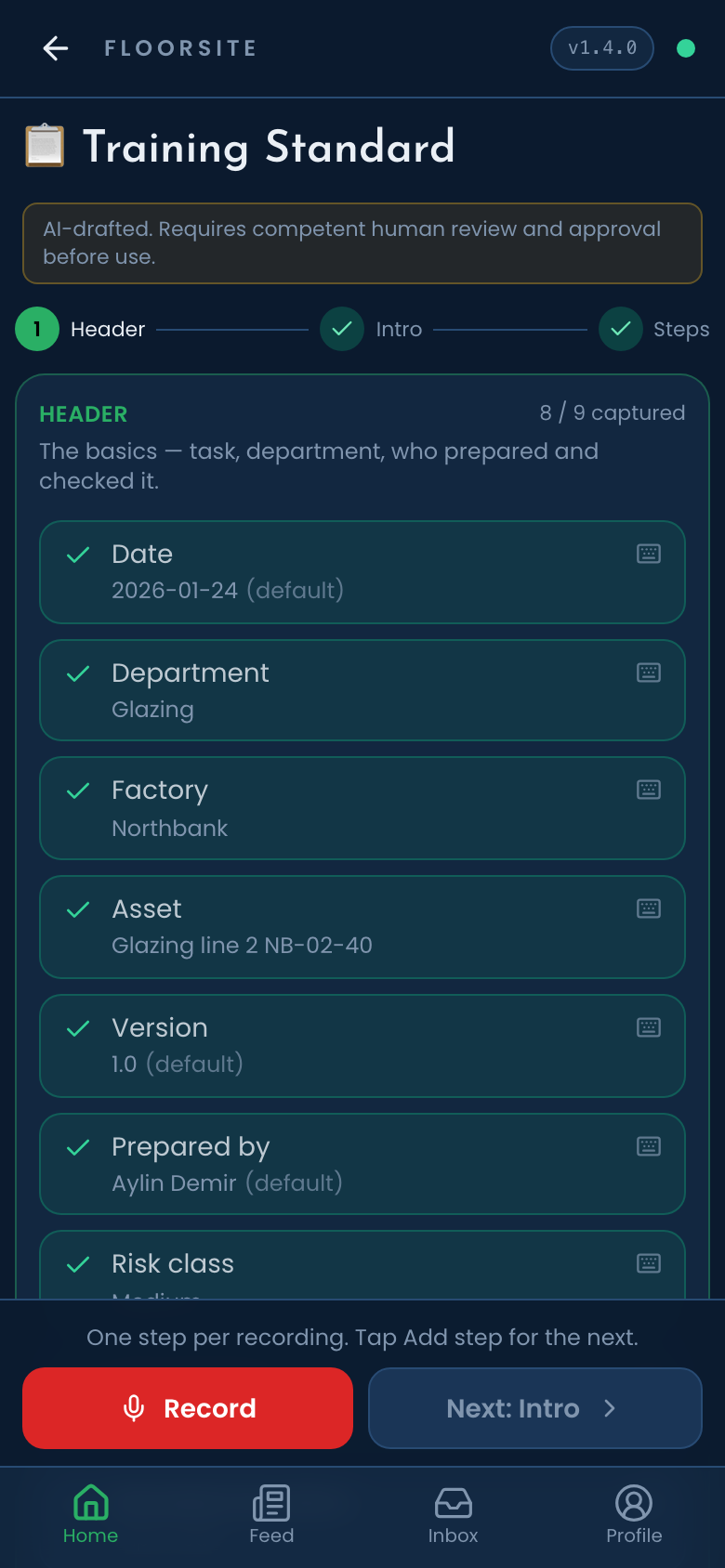
The standard is the document, not a form.
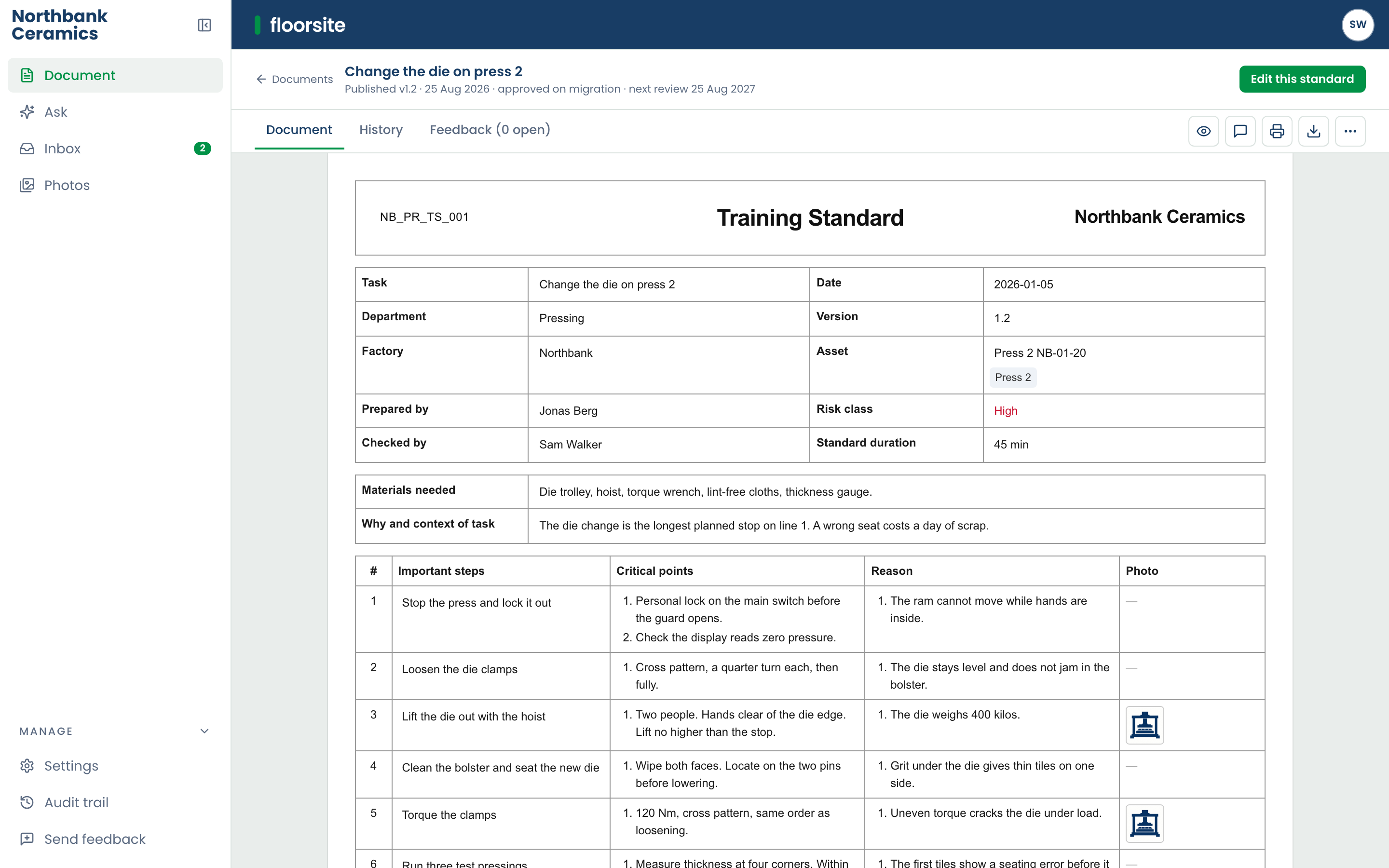
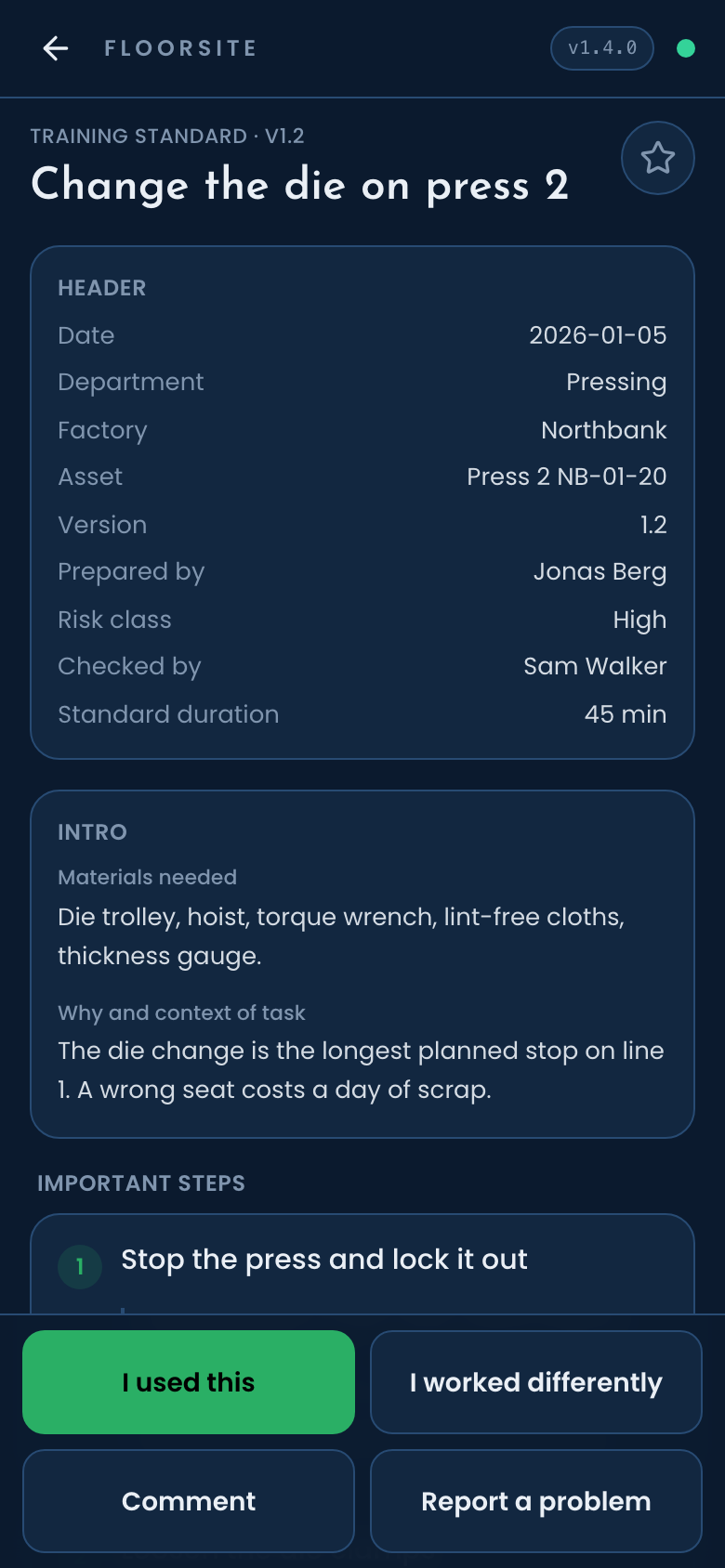
A training standard reads the same on the phone, at the desk and on paper: the job, the machine, the important steps, what makes each step right, and why. Photos sit with the step they belong to. Printing gives the sheet people already know. A second kind of document, the standard operating procedure, follows the same path and is in build.
How it works
-
1
On the floor
Press the mic and talk through the job. The standard fills in as the words come: task, department, risk class, the steps. A short guide helps the first time a standard is recorded. Photos go to the shared library. Work autosaves, so a draft can be left and resumed. Captures wait in an offline outbox and sync when the connection returns. The phone works in Dutch, English, German and Turkish.
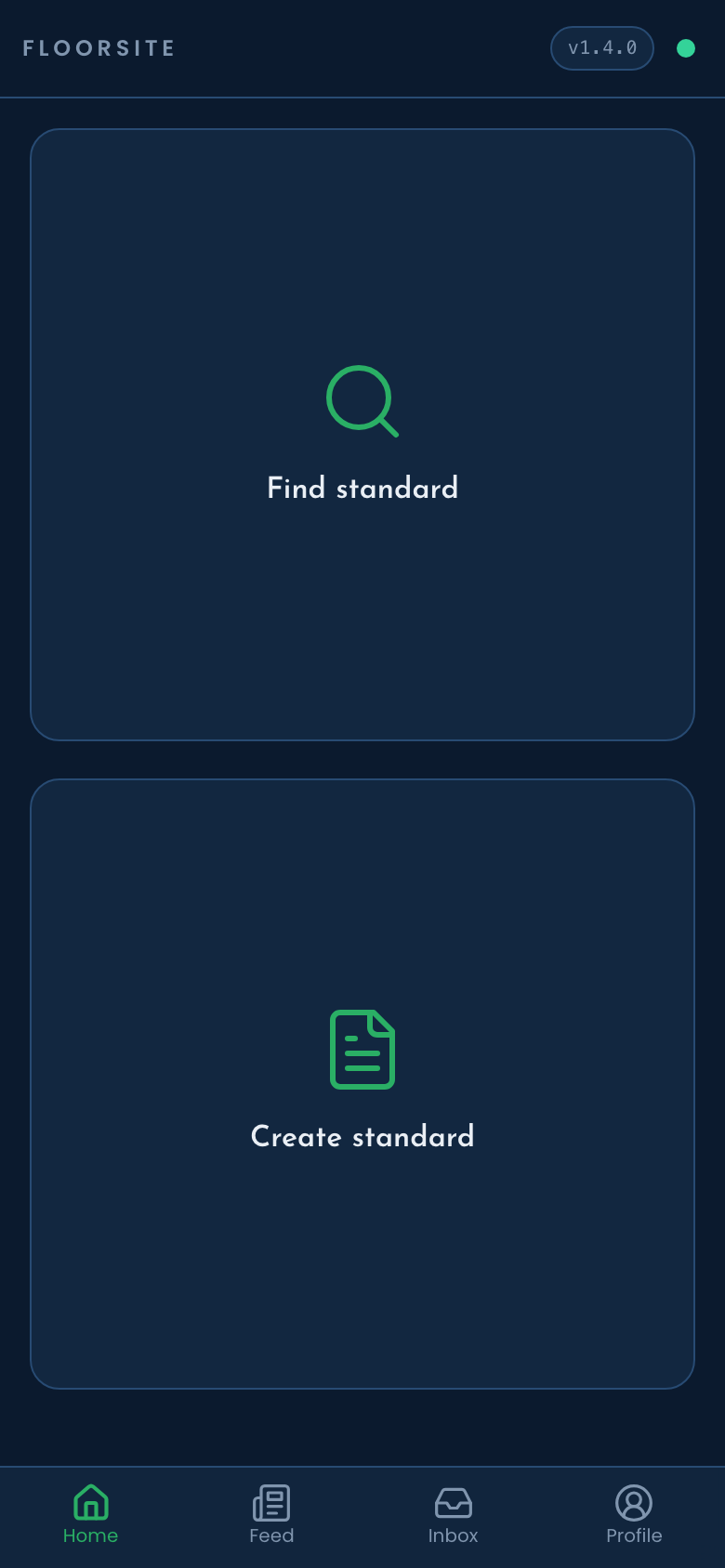
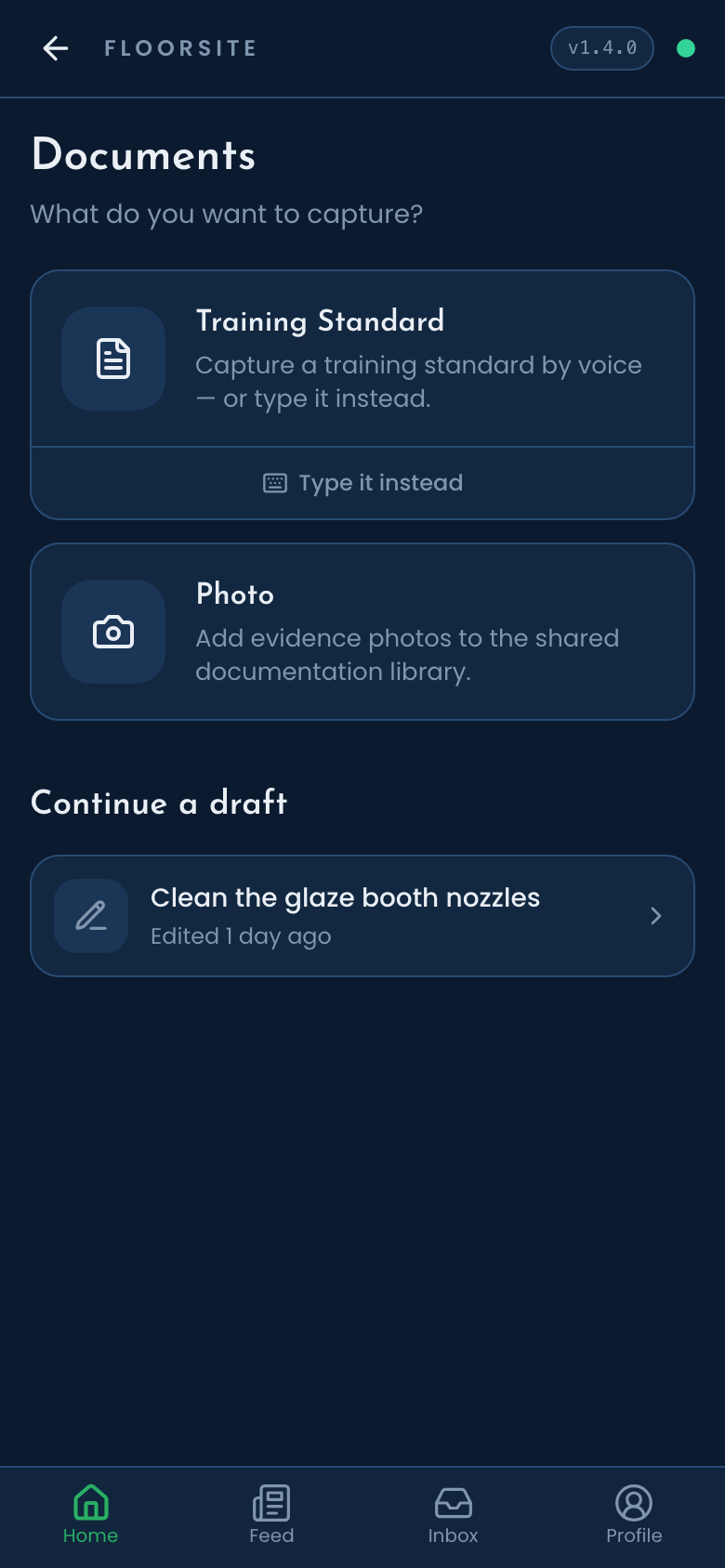
The phone. Find or create, then pick what to capture, or continue a draft. -
2
At the desk
The draft arrives at the desk in a print-exact editor. A supervisor completes the header, tidies the steps, and submits it for approval. A second person reviews it and signs by typing their name, then it is published. Nobody approves their own standard. A version can be withdrawn, marked obsolete, or reissued. Every standard has an owner and a review clock.
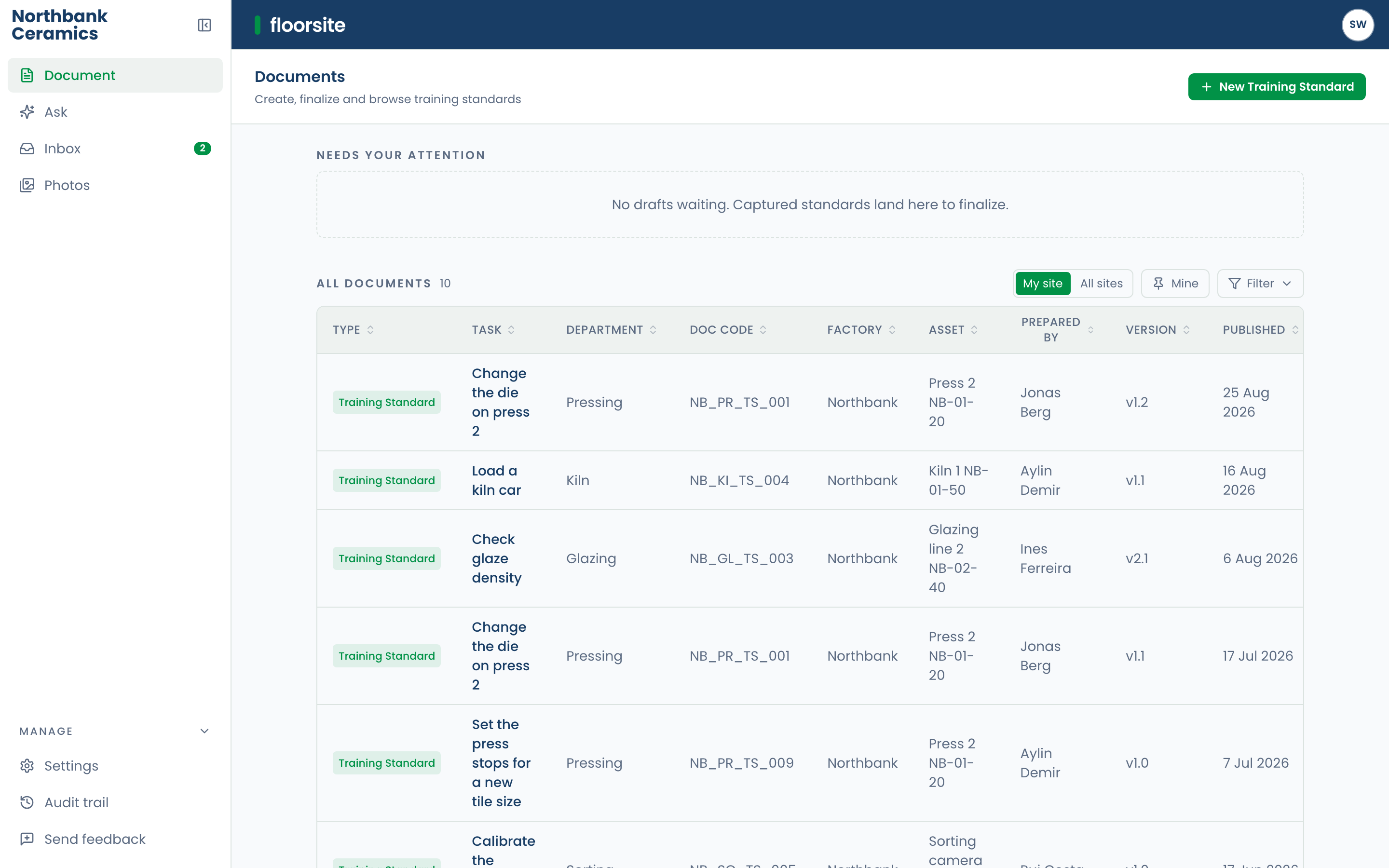
Documents. Drafts from the floor arrive here, next to what is published. 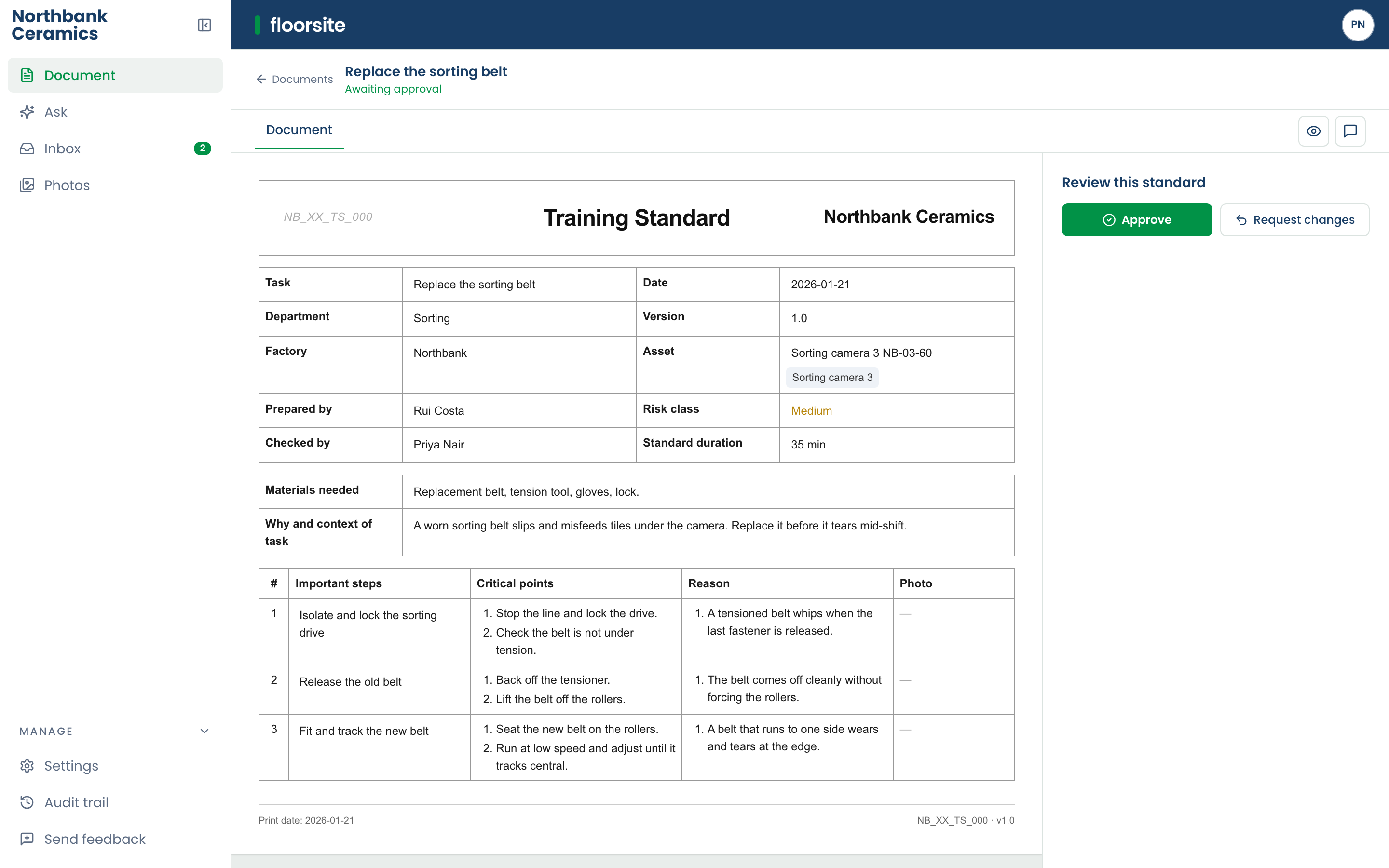
Approval. A second person reads it, types their name, and publishes. -
3
At the point of work
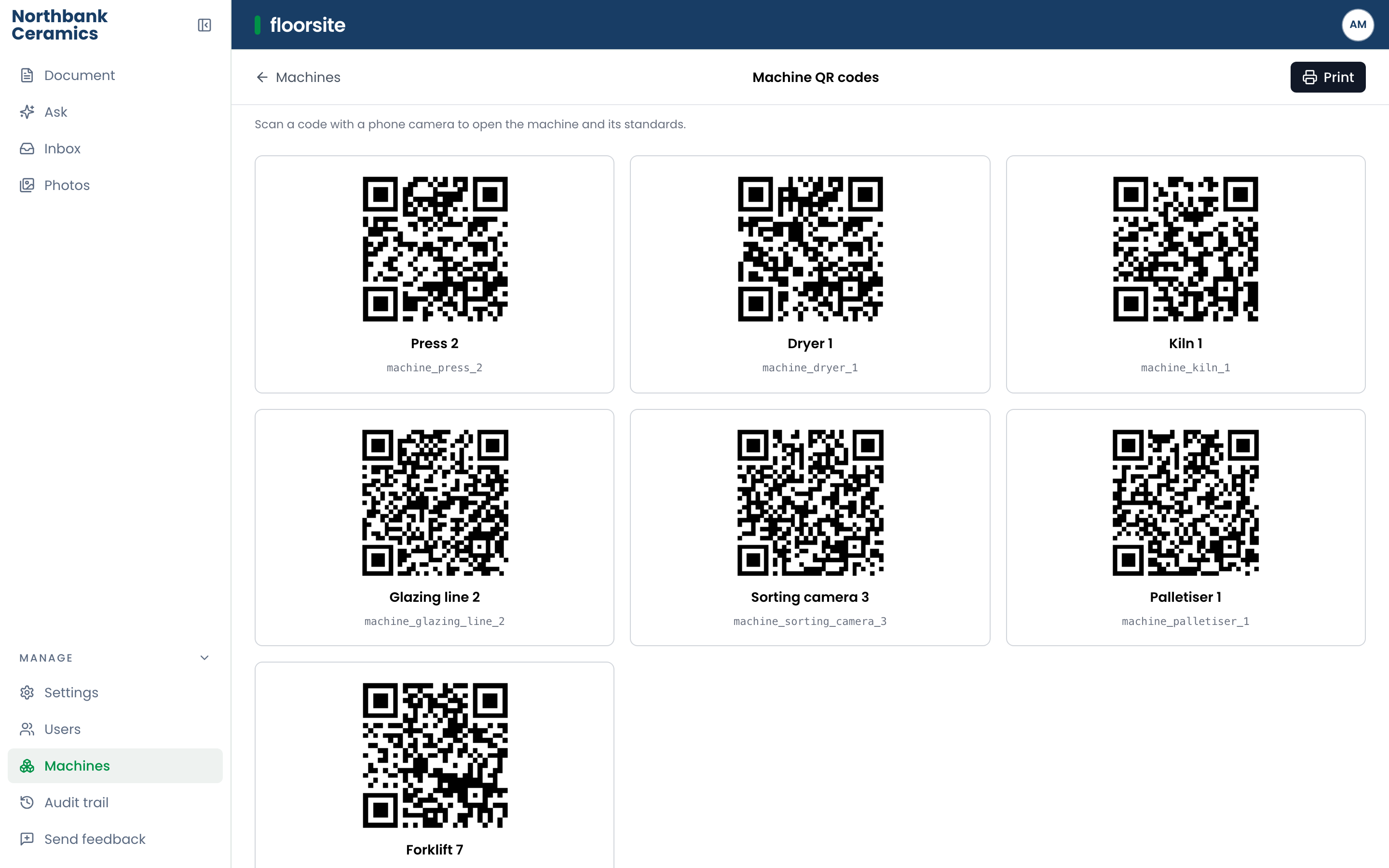
Published standards are found by task, machine or code, typed or by voice. Ask a question and the answer comes from published standards only, naming the standard and the step it came from. Scan the code on a machine to open it and its standards. Similar standards at other sites sit alongside. An offline corpus keeps standards readable without a connection.
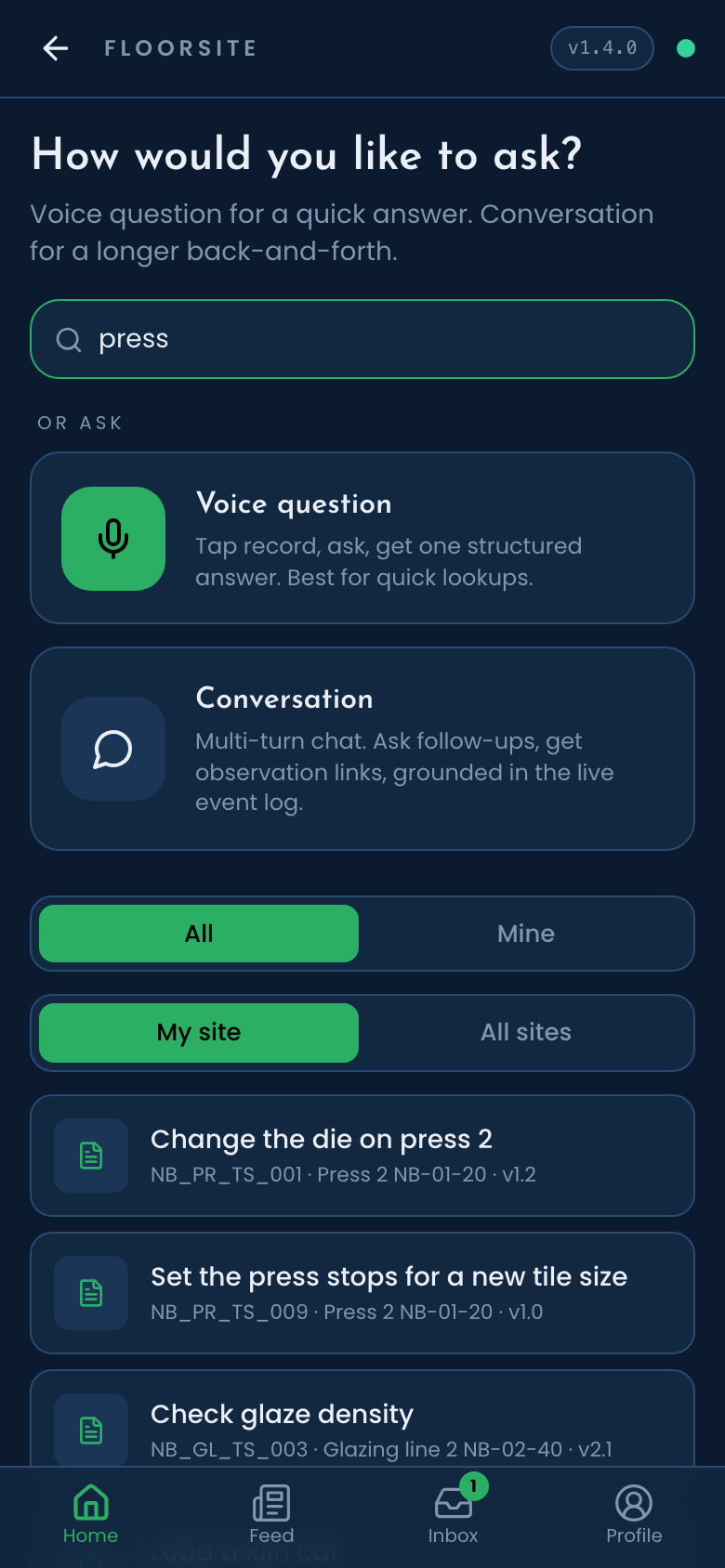
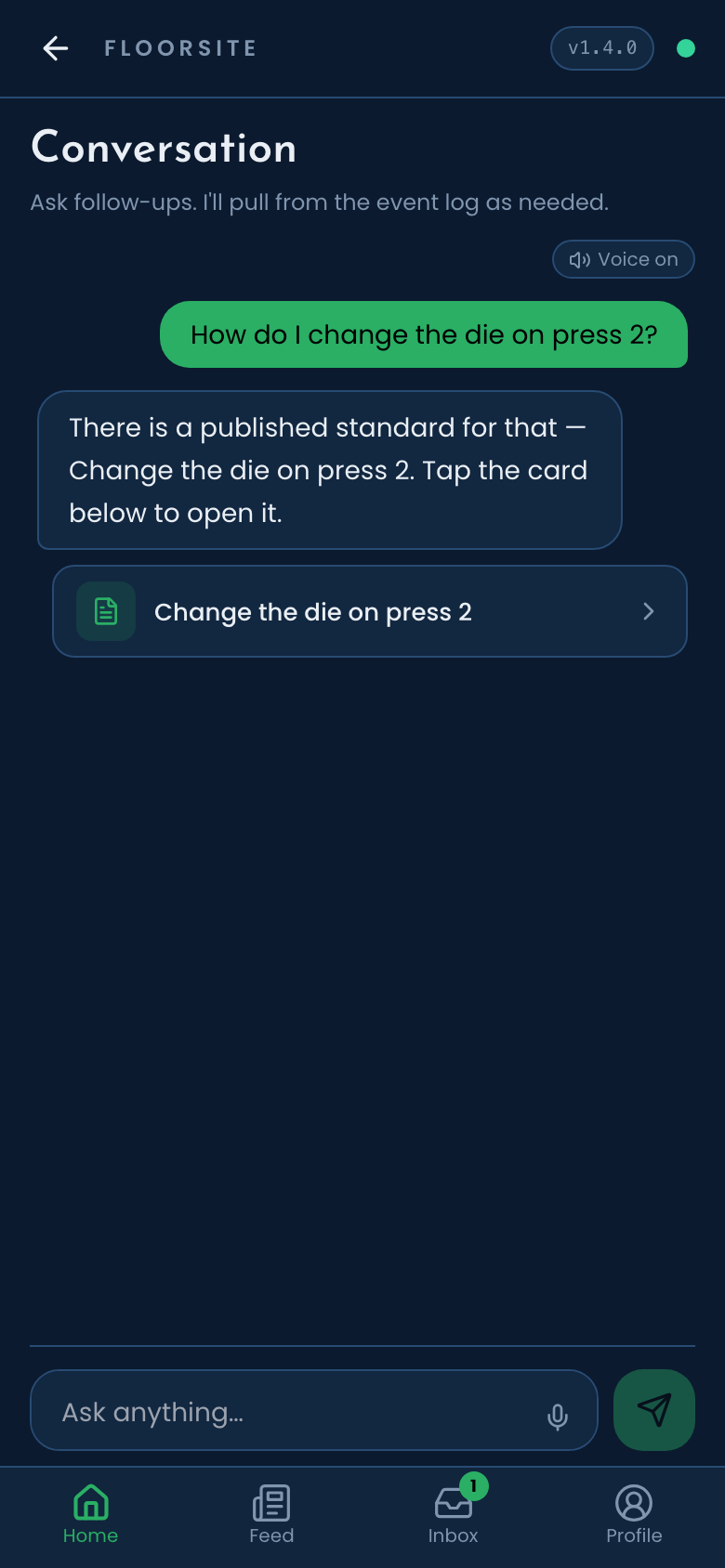
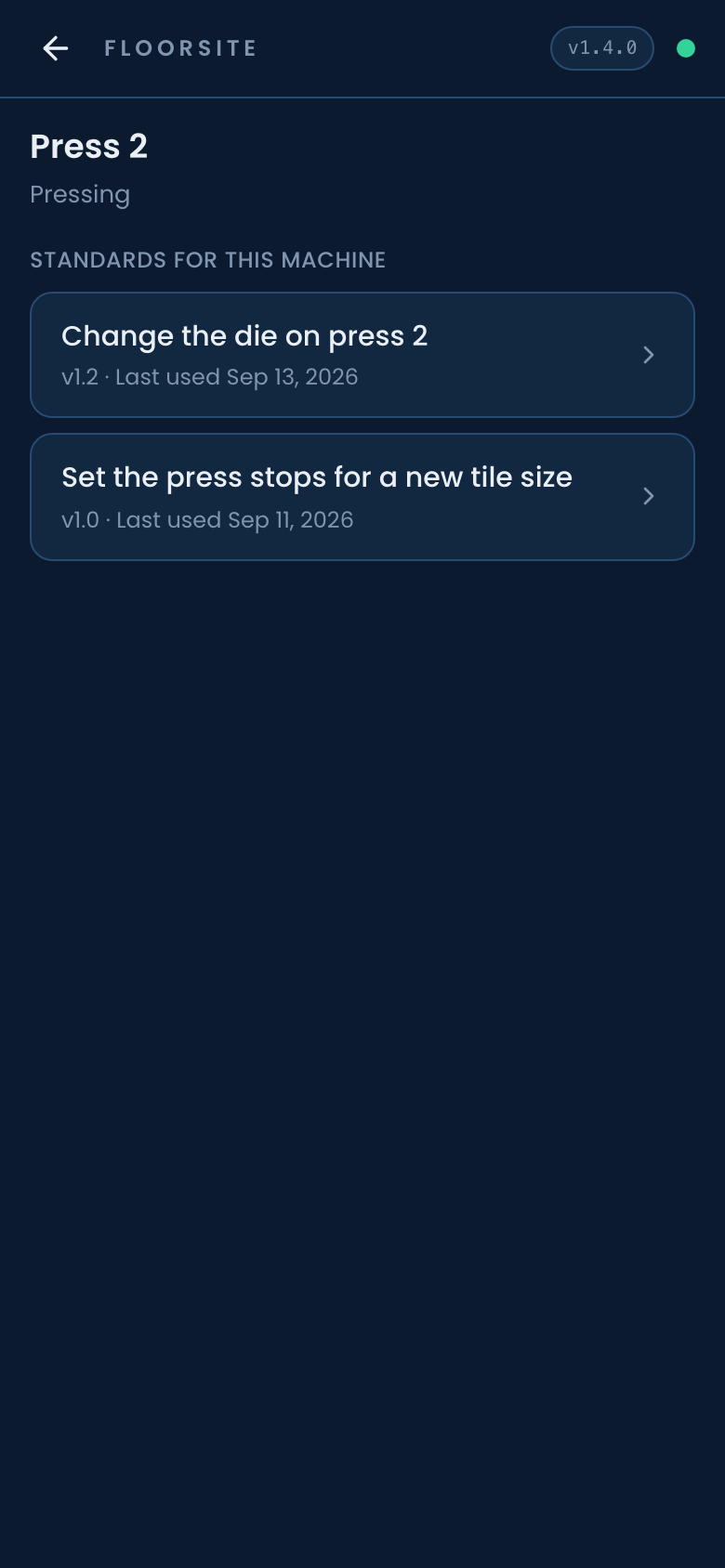
Find, Ask, the machine. Search, a grounded answer, and the code on the machine.
Approval and history
Every standard has versions. A change becomes a new version and the old one stays readable. History shows what changed between two versions, marked inside the standard itself. Edit history records who changed what. The audit trail says it in plain sentences. Approvals, feedback and review reminders arrive in one inbox, and by email. A standard can be pinned for a site, a role, or a line.
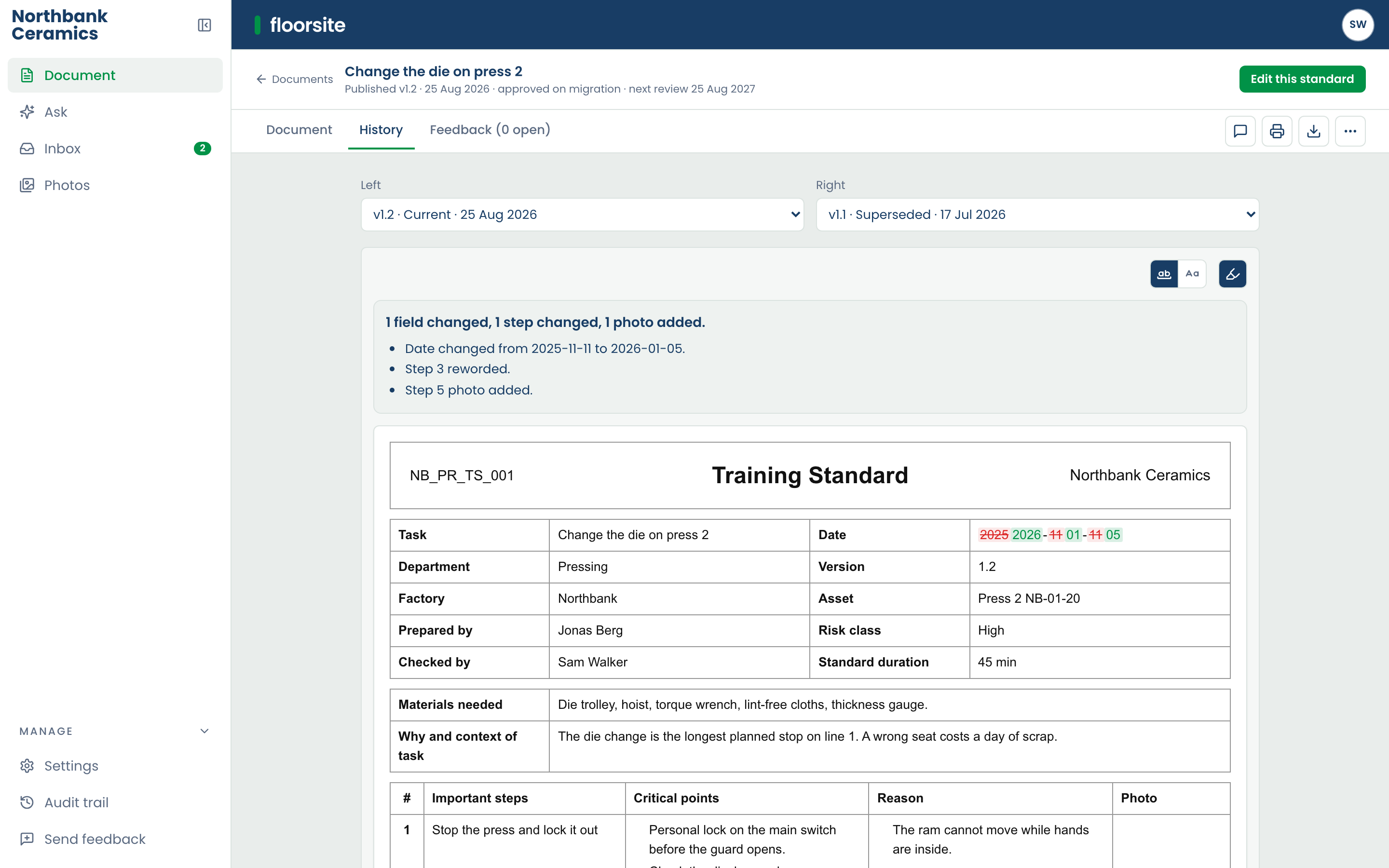
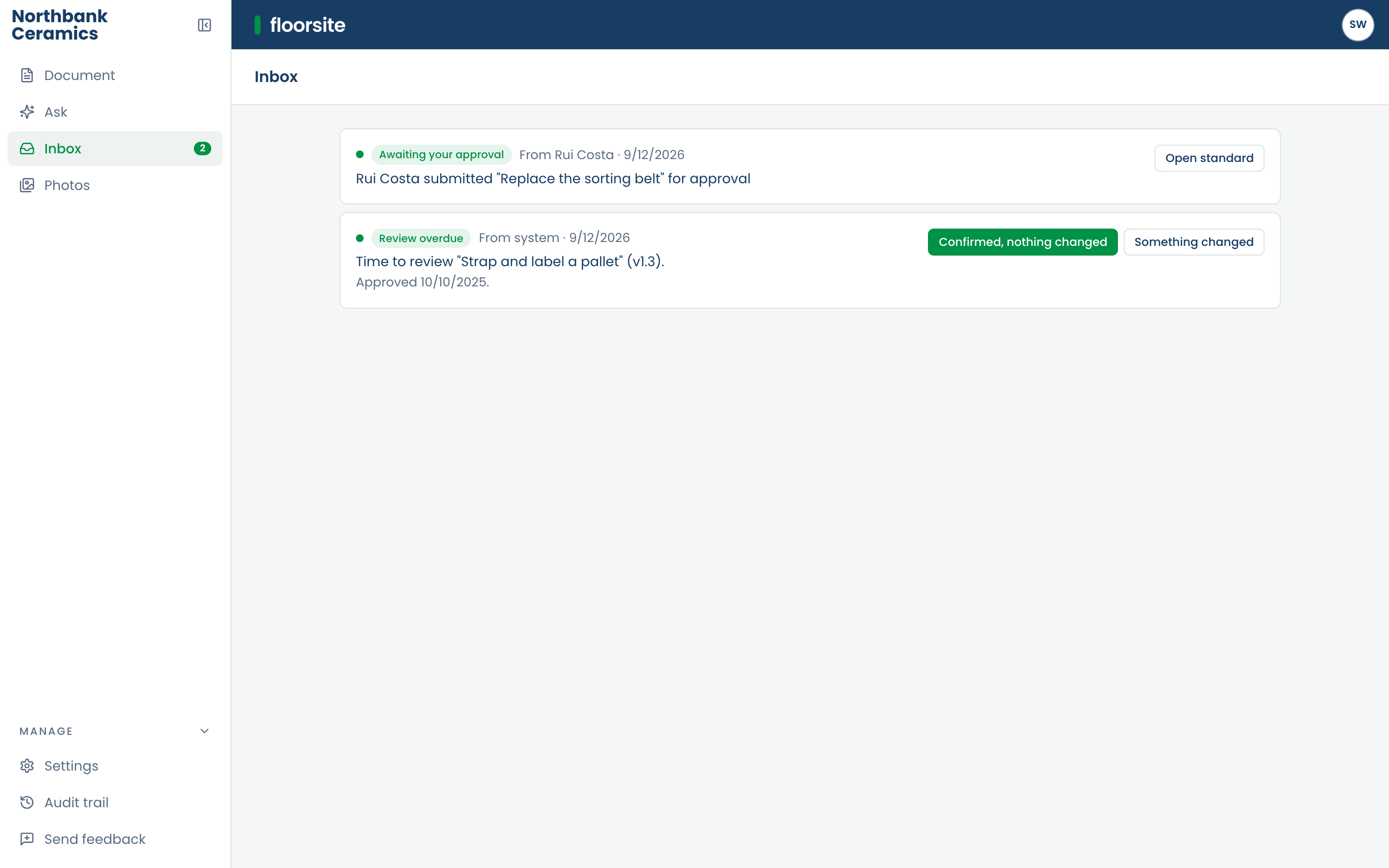
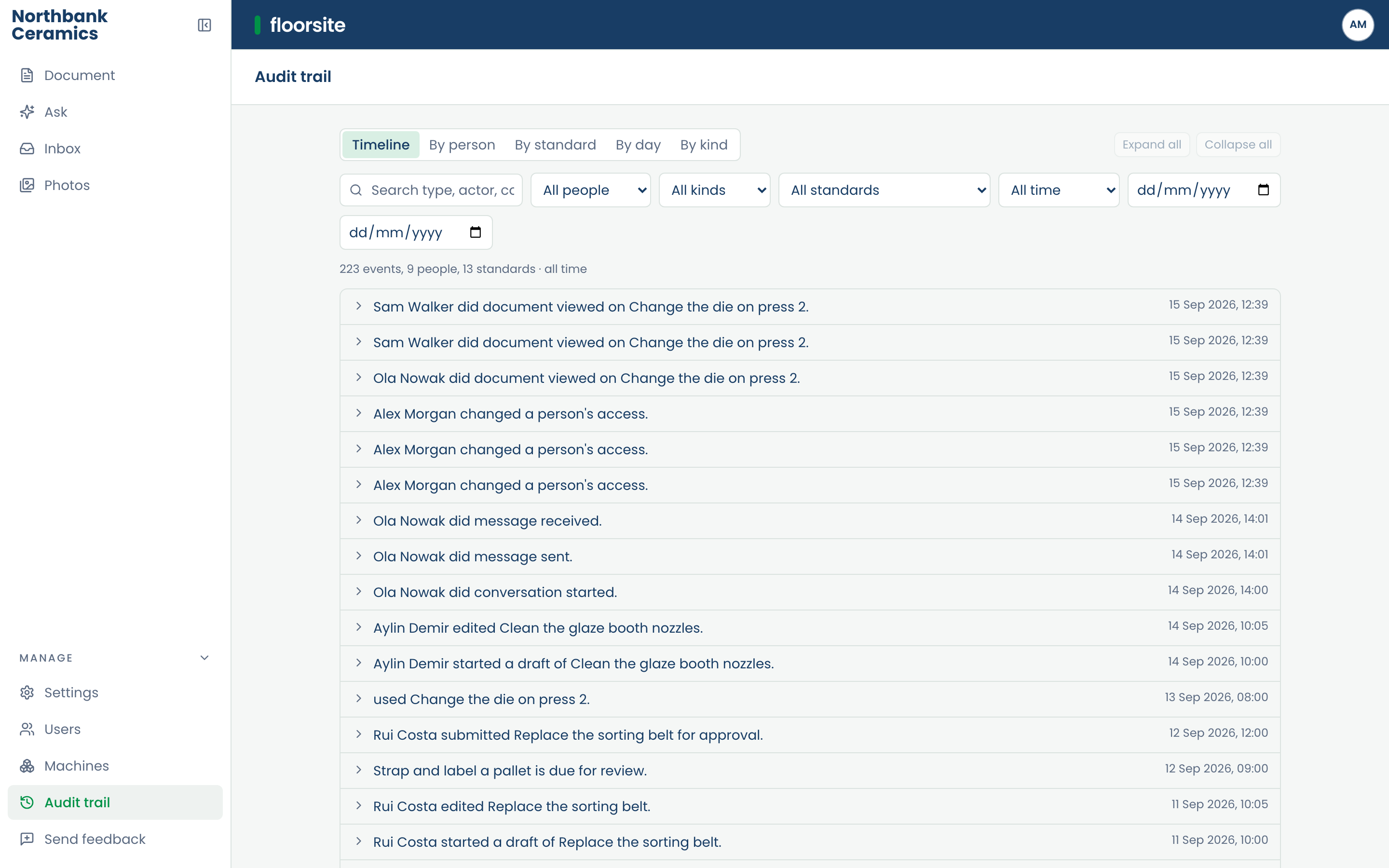
Sign-in, devices, languages
People sign in with a work email and a six-digit code, or a PIN on the device. Administrators sign in with two-factor authentication as well. The app keeps itself up to date and reloads once work is done, so nothing is lost. Roles, users and sites are managed from the desk. Each person chooses a language, and it follows them across devices.
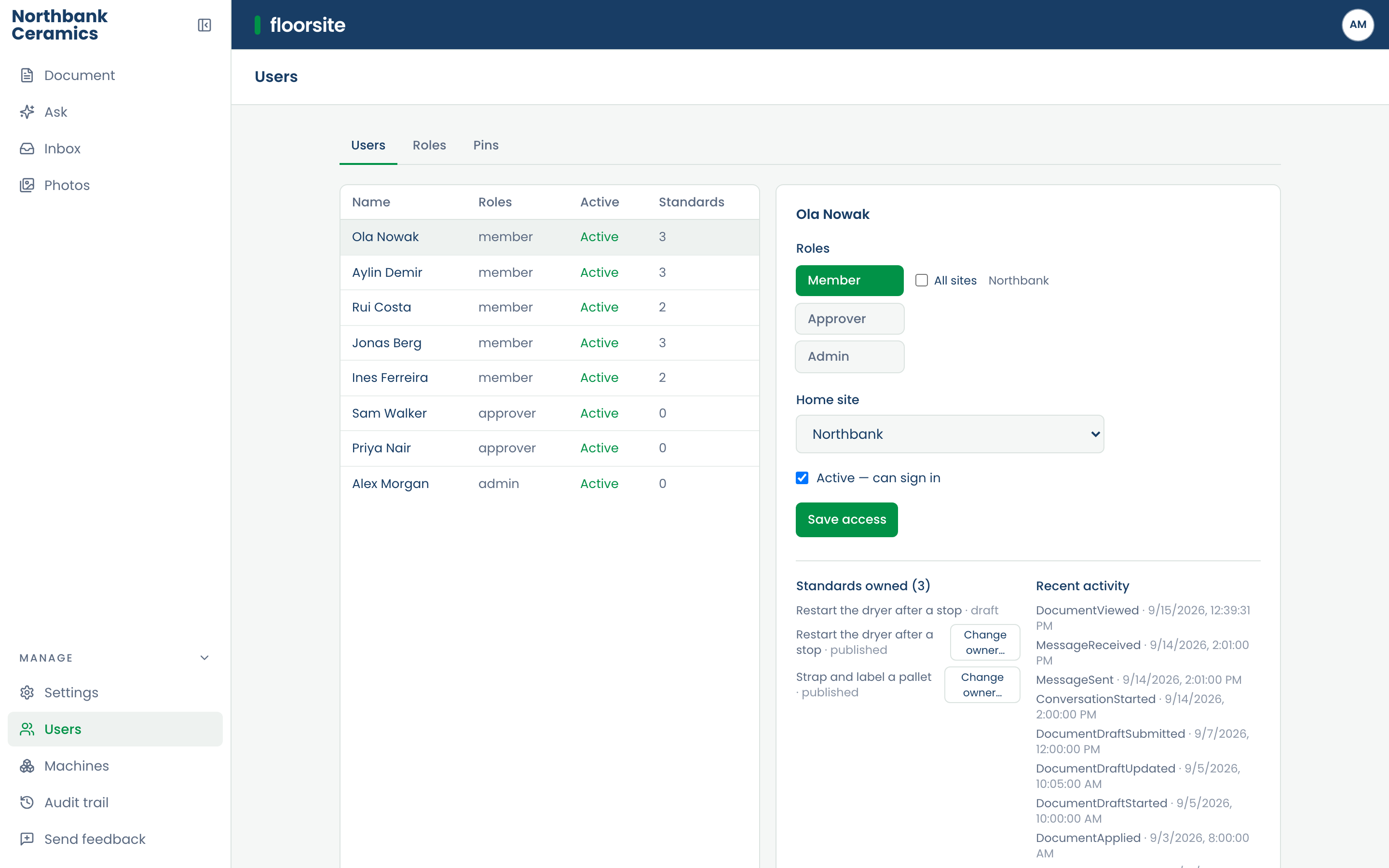
Built for the plant
- A phone in the pocket for operators, a browser at the desk for supervisors. Nothing to install.
- Four languages, chosen per person: Dutch, English, German, Turkish.
- Every change is kept as a record.
- Two machines, so a release brings no downtime.
- Monitored around the clock.
- Hosted in the European Union.
Where floorsite is going
Work already under way, in the order we expect it.
Notifications and records
- Notification preferences and a weekly digest.
- Export of a standard's whole history.
- Retention and redaction, with a privacy owner.
More kinds of document
- Import from Word and PDF.
- The standard operating procedure, then more kinds of document.
- Find and Ask across every kind of document.
- Admin-authored templates, with approval and versions.
Finding and learning
- Search at scale, and similar standards across sites.
- Learning: assignments, quizzes, refreshers, and a record of who has read what.
- Dashboards for managers.
Across languages and sites
- Translation approval.
- Microsoft sign-in.
- Device profiles.
- Master and local standards across sites, with drift shown.
Rules and problem-solving
- Tags and rules that decide who approves a document and where it goes.
- Problem-solving records linked to standards.